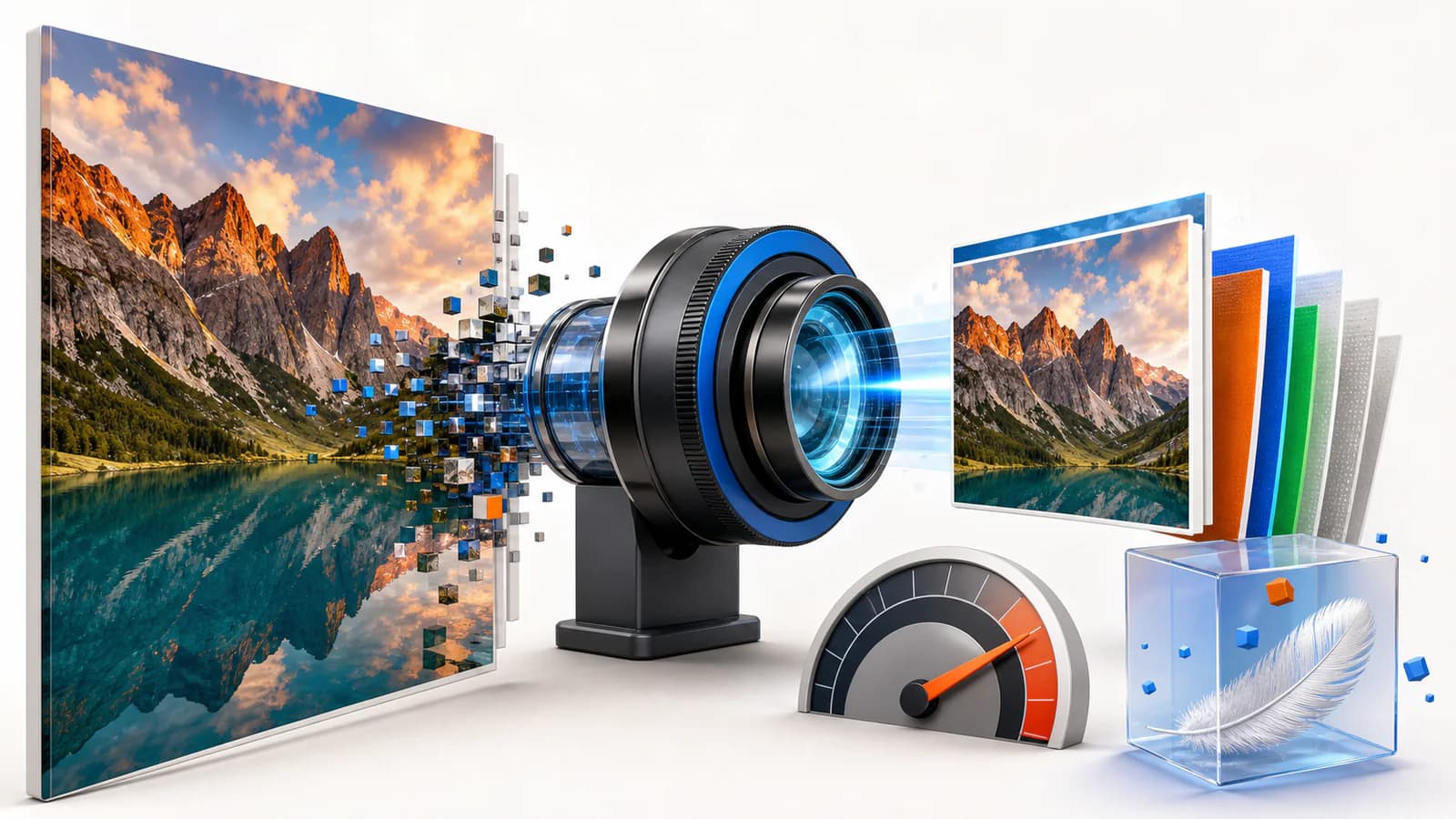
Image optimization is the practice of delivering images at the smallest possible file size without visible quality loss — the right format, the right dimensions, the right compression, and the right loading behaviour. It matters for SEO because on a typical page images outweigh everything else combined, which makes them the single biggest lever on the speed metrics Google measures.
“image optimization for seo” — 880 searches/mo (Google, US)Why images decide your Core Web Vitals
Largest Contentful Paint — the Core Web Vital that measures how fast the main content appears — is, on most pages, literally an image: the hero, the product photo, the featured graphic. Ship that image 60% smaller and LCP moves; no amount of JavaScript tuning substitutes for it. Unoptimized images also burn crawl budget, mobile data, and image-search visibility, so the same fix pays out three ways.
Image formats compared: JPEG vs WebP vs AVIF
Modern formats encode the same picture in far fewer bytes. Typical relative sizes at comparable visual quality look like this:
Indicative relative sizes: WebP commonly lands 25–35% below JPEG, AVIF around half of JPEG. Exact savings vary per image — which is why per-image smart compression beats one global setting.
- JPEG — universal, fine as a fallback, but leaves real bytes on the table.
- WebP — the safe modern default: meaningfully smaller than JPEG, with effectively universal browser support.
- AVIF — the current efficiency leader, usually the smallest file at the same perceived quality; support is now widespread in modern browsers.
- JPEG XL — an emerging format with excellent quality-per-byte; browser support is still uneven, so it belongs behind content negotiation that falls back gracefully.
- PNG — reserve it for images that genuinely need lossless edges or transparency, and even then consider a lossless WebP instead.
The practical answer is not to pick one format — it is to serve each visitor the best format their browser accepts, automatically, with fallbacks. That is content negotiation, and it is what a good optimization pipeline does for you.
How to do image optimization for SEO: the 7-step order
- Audit what you are actually shipping. Crawl the site and list images by size and by pages affected — a handful of template images usually account for most of the waste. The free ProRank audit flags oversized images and missing alt text across 25 pages in one run.
- Resize to the rendered dimensions. The classic sin is a camera original squeezed into a thumbnail slot by CSS. Generate the sizes your layout really uses and let
srcsetpick per device. - Compress with content-aware quality. A busy landscape photo survives aggressive compression; a flat illustration or product shot does not. Smart compression picks the setting per image instead of one global number — that is how you get large savings with no visible change.
- Convert to modern formats with fallbacks. WebP as the floor, AVIF where accepted, originals kept as a safety net.
- Write alt text that describes the image. For accessibility first, image search second. Name files descriptively too (
blue-trail-running-shoe.avifbeatsIMG_4821.jpg). - Lazy-load below the fold — never the hero. Your LCP image must load eagerly; everything under the first screen can wait.
- Re-measure. Check LCP in field data after the rollout and re-run the audit; image debt regrows every time an editor uploads a 6 MB original.
Manual tools vs an automated pipeline
Manual optimization
- Export and compress each image by hand before upload
- One global quality setting for every image
- Formats fixed at upload time
- Fine for a small brochure site that rarely changes
Automated pipeline
- Every upload optimized on the fly, past and future
- Per-image smart compression
- AVIF/WebP served per browser, originals kept
- The only approach that survives multiple authors
If you are choosing a workflow, compare WordPress image optimization plugins by format support, delivery method and how they handle your original files.
The mistakes that undo everything
- Lazy-loading the hero image — instantly worsens LCP on your most important pages.
- Compressing once, then forgetting — new uploads quietly rebuild the problem.
- Stripping images of alt text during redesigns — an invisible accessibility and image-search regression.
- Serving one giant image to every device — mobile visitors pay the desktop bill.
- Chasing a format war instead of shipping WebP today — the boring default captures most of the win.
Want to know which of these your site is doing right now? Run the free audit — the Images category will list oversized files and missing alt text page by page, ranked by how much they matter.
Frequently asked questions
- Does image optimization actually help SEO?
- Yes, through two routes. Directly: optimized images with descriptive alt text and filenames can rank in image search and strengthen a page’s topical signals. Indirectly — and usually more powerfully: images are typically the largest share of page weight, so optimizing them improves Largest Contentful Paint and overall speed, which feed the page-experience signals Google uses.
- What is the best image format for the web in 2026?
- AVIF where supported, WebP as the broadly-safe modern default, and JPEG/PNG only as fallbacks. AVIF typically produces the smallest files at comparable visual quality; WebP is smaller than JPEG and supported virtually everywhere. The right setup serves each visitor the best format their browser accepts rather than picking one globally.
- How do I optimize images without losing quality?
- Use content-aware (smart) compression rather than a single global quality number: busy photos tolerate far more compression than flat graphics or product shots. Combine that with correct sizing — never ship a 2400-pixel image into a 400-pixel slot — and a modern format, and the visible difference is effectively zero while the byte savings are large.
- What is alt text and does it matter?
- Alt text is the written description a browser shows when an image cannot render and a screen reader speaks aloud. Search engines use it to understand image content, so it matters for accessibility, image search, and page relevance. Describe the image plainly; skip keyword stuffing.
- Should images be lazy-loaded?
- Below-the-fold images, yes — the browser then loads them only as they approach the viewport. The one exception is your LCP image (usually the hero): lazy-loading it delays the very metric you are trying to improve. Load the hero eagerly, lazy-load the rest.