A 301 redirect permanently forwards one URL to another — browsers go to the new address automatically, and search engines transfer the old URL’s accumulated signals to its replacement. It is the mechanism that lets you rename, restructure, or migrate pages without throwing away the rankings those pages earned. Skip it, and every old link becomes a 404 and every ranking starts from zero.
“what 301 redirect” — 880 searches/mo (Google, US)Average monthly US search volume. Source: Google autocomplete demand via AnswerThePublic, 2026.
The status codes, translated
| Code | Meaning | Use it for |
|---|---|---|
| 301 | Moved permanently — transfer everything | Renamed URLs, deleted pages with a successor, domain and HTTPS migrations, consolidating duplicates |
| 302 | Moved temporarily — keep the original indexed | Short-lived campaigns, A/B destinations, maintenance detours |
| 308 / 307 | Strict permanent / temporary (method preserved) | APIs and forms where POST must stay POST; for normal pages, 301/302 are fine |
| 410 | Gone — deliberately removed, no successor | Content you want engines to drop quickly rather than forward |
When you need a 301 (the checklist)
- You changed a URL slug — even one word.
- You deleted a page that has a meaningful successor.
- You merged two overlapping pages into one.
- You moved to HTTPS, changed domain, or dropped/added www.
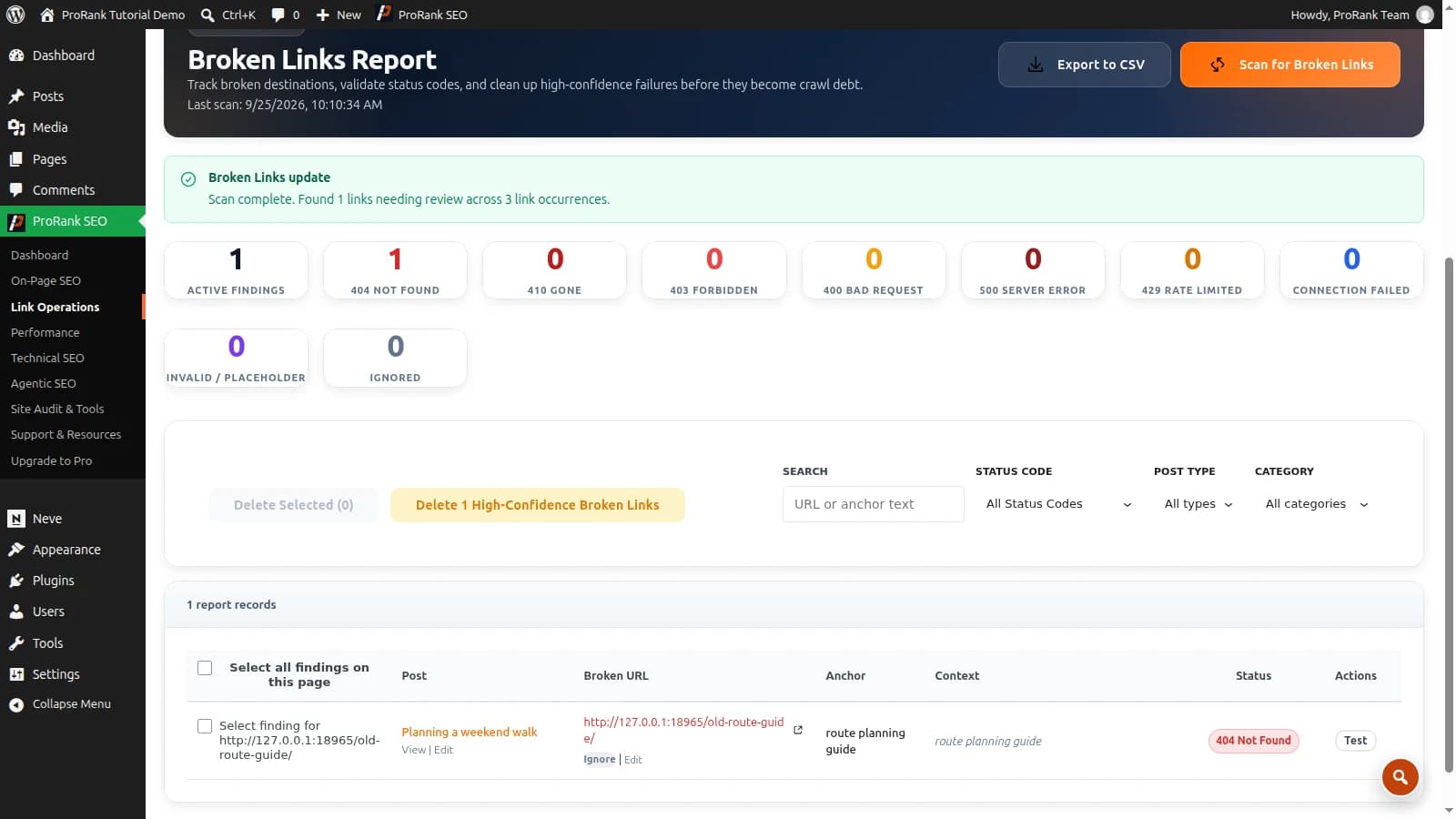
- An audit shows internal links or backlinks hitting 404s.
How to set up a 301 redirect in WordPress
You do not need to edit .htaccess or nginx configs by hand — and on managed hosting you often can’t. A redirect manager inside WordPress does it safely: enter the source path, the destination, choose 301, save. Good managers add the two things hand-edited rules never have: 404 monitoring (so you discover the broken URLs people actually hit, instead of guessing) and regex rules (so a folder migration is one pattern, not four hundred entries).
The step everyone skips: after the redirect works, update your internal links to point at the new URL directly. Leaving them on the old URL sends every visitor and crawler through the detour forever — the redirect is the safety net, not the route.
The mistakes that leak rankings
- Chains — A→B→C→D. Each hop adds latency and crawl cost; collapse to A→D.
- Loops — A→B→A takes the page down entirely.
- Everything to the homepage — redirecting deleted pages to irrelevant destinations gets treated as a soft 404; forward to the closest relevant page or use a 410.
- Using 302s for permanent moves — the classic default-setting accident; the old URL lingers in the index.
- Redirecting and forgetting — with no 404 monitoring, the next batch of broken URLs accumulates silently.
Redirects and internal links are two halves of the same hygiene — once your 301s are in place, point the links at the final URLs and the detours disappear.
Frequently asked questions
- What is the difference between a 301 and a 302 redirect?
- A 301 says "moved permanently" — search engines transfer the old URL’s signals to the new one and eventually replace it in the index. A 302 says "moved temporarily" — engines keep the original URL indexed and expect it back. Use 301 for renames, migrations, and consolidation; 302 only when the move genuinely is temporary, like a seasonal promotion.
- Do 301 redirects lose PageRank?
- Google has stated that 301 redirects pass full PageRank. What loses value in practice is redirect hygiene: chains of several hops, redirects to irrelevant pages (which Google may treat as soft 404s), and internal links still pointing at old URLs so every click and crawl takes the detour.
- Can you undo a 301 redirect?
- Technically yes — remove the rule and the old URL responds again. Practically, the longer a 301 has been in place, the more the old URL’s signals have been consolidated into the destination, so flip-flopping URLs costs recovery time. Treat 301s as decisions, not experiments.
- How long should a 301 redirect stay in place?
- By default, indefinitely — especially while any backlinks still point at the old URL. Google has suggested at least a year for signals to consolidate fully; since a redirect costs nothing to keep, removing old ones is rarely worth the risk unless the rule set itself is becoming unmanageable.
- How many redirects is too many?
- There is no penalty for having many individual redirects — large sites run thousands. The problem is chains: each extra hop adds latency and crawl cost, and very long chains may not be followed to the end. Point every redirect, and every internal link, directly at the final URL.