Duplicate content rarely earns a penalty — it splits your own signals instead. When the same content lives at four URLs, links and relevance scatter across all four, and Google picks whichever it likes to index, which is not always the one you want ranking. Canonical tags are how you take that decision back. This guide covers where duplicates come from, what canonicals actually do, and the consolidation playbook.
“what is canonical url in seo” — 140 searches/mo (Google, US)Average monthly US search volume. Source: Google autocomplete demand via AnswerThePublic, 2026.
Where duplicates actually come from
Almost never from writing the same article twice. The real sources are structural:
- URL parameters —
?sort=price,?color=blue, and every tracking tag creates a distinct URL serving the same page. - Protocol and host variants — http/https, www/non-www, trailing slash or not: potentially four addresses for one homepage.
- Archives and pagination — tag, category, author, and date archives republishing the same excerpts.
- Near-duplicate templates — location or product pages differing only by a town name or size, the classic local-SEO trap.
- Syndication — your article reposted elsewhere without a canonical pointing home.
- Staging and dev copies — the worst case, an entire indexable clone of the site.
What a canonical tag looks like
<!-- On https://example.com/shoes/?color=blue&sort=price -->
<link rel="canonical" href="https://example.com/shoes/" />

<!-- Self-referencing canonical on the original -->
<!-- https://example.com/shoes/ -->
<link rel="canonical" href="https://example.com/shoes/" />
Two rules govern them. First, every indexable page should carry a self-referencing canonical — it costs nothing and immunises you against parameter noise. Second, a canonical is a hint, not a command: Google can and does override it when the signals contradict, which is why the tag must agree with your internal links, sitemap, and redirects rather than fight them.
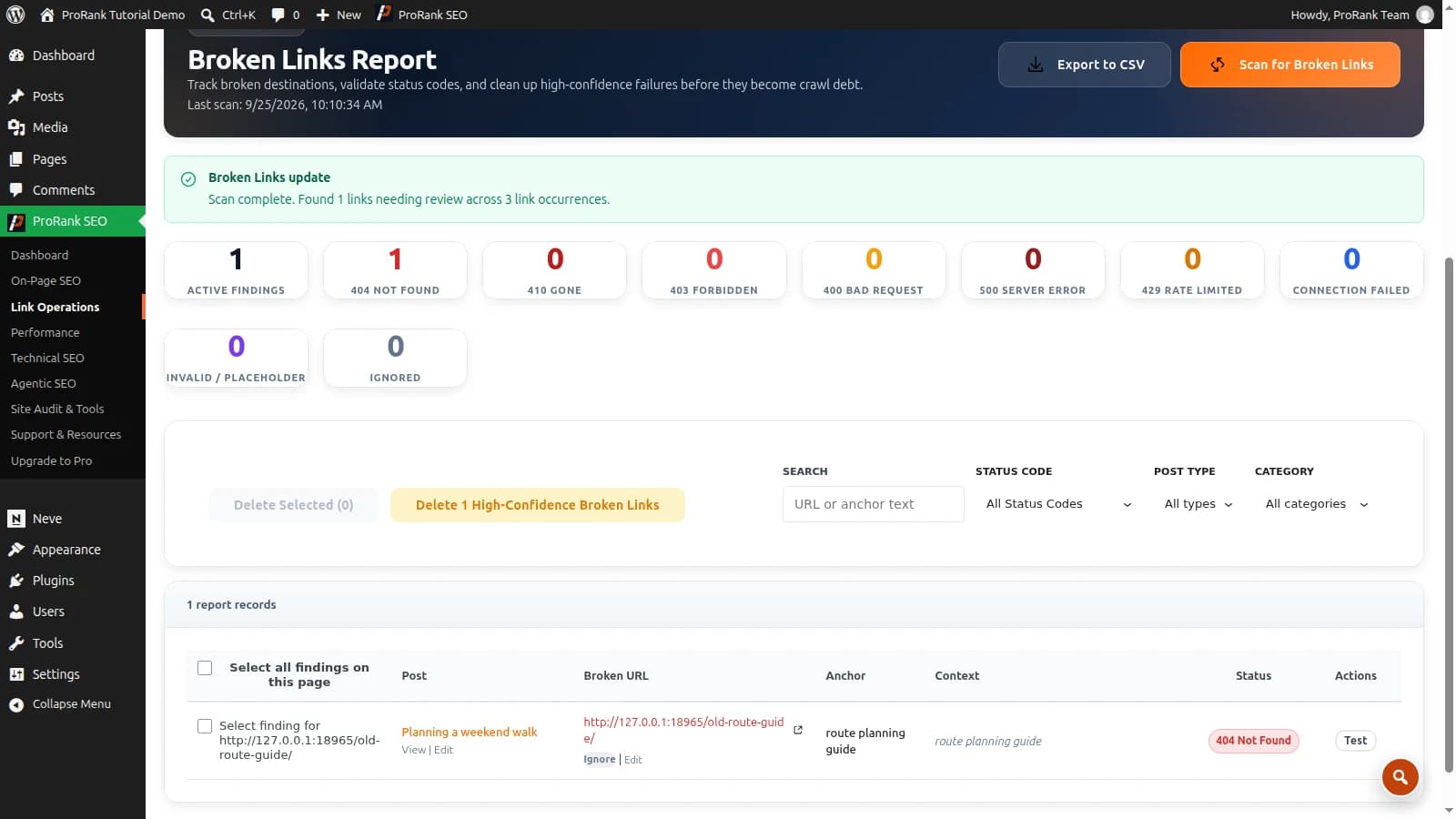
Use duplicate content and canonical checking tools to separate repeated URLs, conflicting canonical tags and copied text before choosing a fix.
The consolidation playbook
- Find them. A crawl-based audit surfaces duplicate titles, duplicate descriptions, and near-identical page content across your site — the reliable detection route, since duplicates hide in templates rather than in obvious places.
- Pick the winner for each cluster: usually the one with the most incoming links, the cleanest URL, and the best existing performance.
- Choose the instrument. Redirect if the duplicate need not exist (see 301 redirects); canonicalise if users still need it reachable.
- Realign every other signal — internal links point at the winner, the sitemap lists only the winner, and the canonical is self-referencing on it.
- Verify with URL Inspection in Search Console: “Google-selected canonical” should match yours. If it does not, your signals still disagree somewhere.
The special case: near-duplicate location pages
Local businesses hit this constantly — twelve town pages identical except for the place name read as thin duplication, and Google indexes one or none. The fix is genuine differentiation: local specifics, distinct testimonials, real directions, area-specific pricing or availability, and LocalBusiness schema per location. Covered in depth in the local SEO guide.
Duplicates, canonicals, redirects, and sitemaps are one system: fix them together or they contradict each other. Start with a crawl of your own site and see which of the four is actually out of line.
Frequently asked questions
- What is duplicate content in SEO?
- Duplicate content is substantially the same content reachable at more than one URL — either on your own site (internal) or copied across sites (external). The common internal causes are URL parameters, http/https and www/non-www variants, printer-friendly versions, tag and category archives, and near-identical product or location pages.
- Does duplicate content hurt SEO — is there a penalty?
- There is no duplicate-content penalty for ordinary internal duplication. The damage is subtler: Google picks one version to index and may not pick the one you wanted, ranking signals split across the variants instead of concentrating, and crawl budget is spent recrawling copies. Deliberate large-scale scraping is a different matter and can trigger manual action.
- What is a canonical URL?
- A canonical URL is the version of a page you declare to be the original, using a rel="canonical" link tag in the page head. When several URLs serve similar content, the canonical tells search engines which one to index and which one should receive the combined ranking signals.
- How do I check my canonical URLs?
- View a page’s source and search for rel="canonical", or use Search Console’s URL Inspection tool, which shows both your declared canonical and the one Google actually chose — those disagreeing is a useful diagnostic. A crawler checks every page at once, which is how you catch the template that canonicalises an entire section to the homepage.
- Canonical tag or 301 redirect — which should I use?
- Use a 301 redirect when the duplicate should not exist and no one needs to reach it: renamed URLs, merged pages, retired variants. Use a canonical when both URLs must remain reachable for users but only one should be indexed: filtered or sorted listings, tracking parameters, syndicated copies.