An SEO audit is a systematic check of everything that affects how your site ranks— whether search engines can crawl it, whether each page gives them the right signals, and where the highest-impact problems hide. Done right, it replaces guesswork with a prioritised fix list. This guide walks through the exact ten checks, in the order professionals run them.
“how to perform seo audit” — 720 searches/mo (Google, US)What is an SEO audit?
Think of it as a structured inspection across four layers, each depending on the one before it:
Access
Can search engines reach and crawl every page that matters?
Indexability
Are the right pages allowed into the index — and the right ones kept out?
Signals
Does each page tell search engines clearly what it is about?
Experience
Is the site fast, stable, and usable enough to deserve the ranking?
A technical SEO audit covers the first two layers plus performance (the complete technical SEO map); a full audit adds content and links. Most ranking problems that feel mysterious — “we publish good content but nothing moves” — live in the first two layers, which is why auditing in this order matters.
Why an SEO audit is important
Because sites break silently. A plugin update adds a stray noindex. A redesign drops redirects. Image uploads triple your page weight over a year. None of these announce themselves — traffic just erodes, and without an audit you end up rewriting content when the actual problem is a redirect chain. An audit tells you which problem you have before you spend effort on the wrong fix.
How to perform an SEO audit: the 10-step method
Step 1 — Crawl the site
Everything starts with a crawl: software follows your internal links the way Googlebot does and records what it finds. The crawl itself surfaces the first findings — pages that error, pages that redirect, and pages the crawler can only reach through long link chains.
Step 2 — Check indexability
Confirm your robots.txt blocks only what it should, your XML sitemap lists only live, canonical, indexable URLs, and no important page carries a stray noindex. Check canonical tags point where you intend — a self-referencing canonical on every indexable page is the safe default.
Step 3 — Hunt broken pages and redirect chains
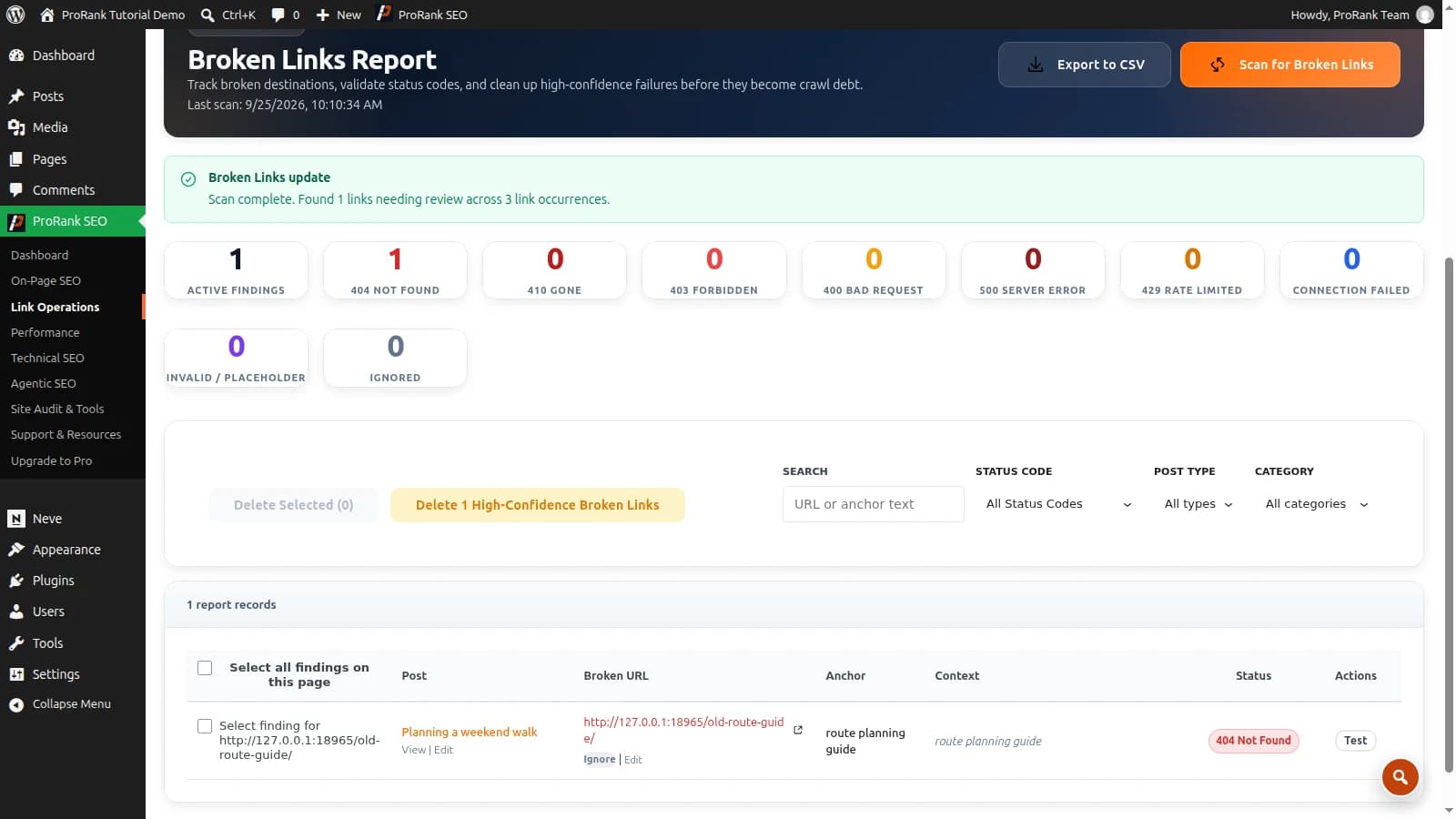
Every 404 reached from an internal link wastes crawl budget and user trust; every redirect chain (A → B → C) leaks speed and link equity. Fix the link to point at the final destination directly.
Step 4 — Audit titles and meta descriptions
Each indexable page needs a unique, descriptive title and a meta description that earns the click. Duplicates usually mean template problems, not lazy writing — find the template, fix hundreds of pages at once.
Step 5 — Find thin and duplicate content
Pages with a few dozen words, boilerplate variations of the same page, and accidental duplicates (print versions, parameter URLs) dilute the site. Consolidate, expand, or noindex — deliberately.
Step 6 — Map internal links and orphans
Pages with no internal links pointing at them (“orphans”) barely get crawled and rarely rank. Meanwhile your highest-authority pages should link to the pages you most want to rank. An audit that maps incoming internal links per page shows you exactly where the authority pools and where it never reaches.
Step 7 — Measure performance and Core Web Vitals
Slow responses show up in crawl behaviour and user behaviour alike. Check server response times across pages, then the Core Web Vitals — LCP (loading), CLS (visual stability), and INP (responsiveness) — using field data where available.
Step 8 — Audit images
Missing alt text costs accessibility and image-search traffic; oversized originals cost speed. Modern formats (WebP, AVIF) typically halve image weight with no visible difference.
Step 9 — Validate structured data
Schema markup is how you become eligible for rich results. Validate that it parses, matches the visible content, and covers the types that matter for your model — Organization, LocalBusiness, Product, Article, FAQ.
Step 10 — Prioritise by impact, not by count
The step most audits skip. A finding’s importance is roughly severity × pages affected × importance of those pages. One broken canonical on your best-selling page outranks two hundred missing alt tags on archive pages. Rank the fix list that way and work top-down — this is exactly how the ProRank report orders its findings and its “most impacted pages” table.
Do first — high impact, many pages
- Broken canonicals on money pages
- Noindex leaking onto indexable templates
- Site-wide redirect chains
Schedule — high impact, fewer pages
- Slow LCP on top landing pages
- Thin content on commercial pages
Quick wins — low effort
- Missing meta descriptions
- Image alt text on key pages
- Compressing oversized images
Deprioritise — low impact
- Alt text on archive thumbnails
- Minor validation notices
For a worked WordPress process, follow the internal-link audit tutorial. It explains how to turn findings into reviewed edits, with separate guides for repairing broken links and connecting orphan pages.
What are SEO audit tools?
Compare SEO audit tools by crawl coverage, the evidence behind each finding and how easily you can verify the result of a repair.
You need surprisingly few, and two of them are free:
- Google Search Console — Google’s own record of how it crawls and indexes you. Non-negotiable, free.
- PageSpeed Insights — Core Web Vitals from real Chrome users, free.
- A crawler — the workhorse. ProRank’s free audit covers 25 pages per run; the WordPress plugin runs full-site audits with repair workflows built in.
- A rank tracker — to prove the fixes moved anything.
What is an SEO audit report?
A report worth acting on has five parts — judge any tool or agency against this list:
- An executive summary in plain language: what is strong, what is urgent, what it means commercially.
- A category breakdown so you can see whether the pain is content, links, performance, or indexation.
- Findings with reach — each issue with how many pages it affects and examples, not a raw list of URLs.
- The most impacted pages — where fixes pay back fastest.
- A prioritised action plan — the order to do the work in.
If a report is just a wall of red icons with no prioritisation, it is a screenshot, not an audit.
Run yours now
The fastest way to apply this guide is to run the free audit on your site, open the executive summary, and work through the action plan top-down. Re-run it after the fixes — the report tracks what changed between runs, so you can watch the score climb instead of wondering.
Frequently asked questions
- How long does an SEO audit take?
- An automated crawl of a small site takes minutes — the free ProRank audit covers 25 pages in roughly ten. Interpreting the results and turning them into a fix list takes an hour or two for a small site. Full manual audits of large sites, including content and backlink review, can take days — which is why prioritised, automated reports exist.
- How much does an SEO audit cost?
- Automated audits range from free (like the ProRank website audit) to the cost of a crawler subscription. Professional manual audits are typically priced per project and scale with site size. A sensible path is to run the free automated audit first and pay for human review only where the automated findings raise questions.
- What is the difference between a technical SEO audit and a content audit?
- A technical audit checks whether search engines can crawl, render, and index your site correctly — status codes, redirects, canonicals, sitemaps, speed, structured data. A content audit judges whether the pages themselves deserve to rank — depth, uniqueness, intent match, and internal linking. A complete SEO audit does both; this guide walks through the technical layer first because content effort is wasted on pages Google cannot properly index.
- How often should you audit a website?
- Quarterly for most sites, monthly for large or frequently-edited ones, and always after a redesign, migration, or platform change — that is when redirects break and noindex tags escape into production.
- Can I do an SEO audit myself?
- Yes. The ten checks in this guide need no specialist background, and an automated crawler does the heavy lifting. Where professionals add value is in judging trade-offs — which findings matter for your business — and in the fixes themselves.