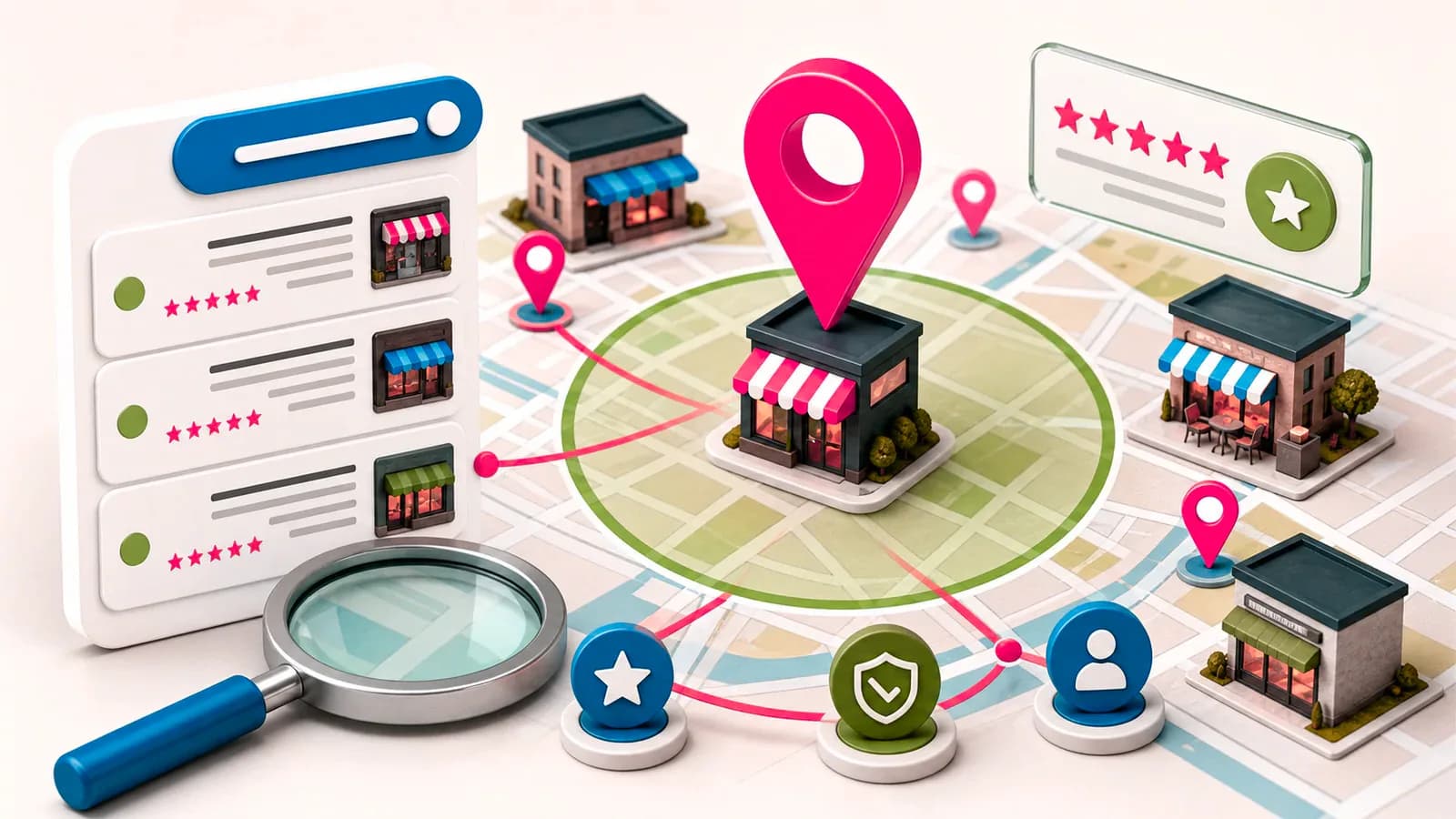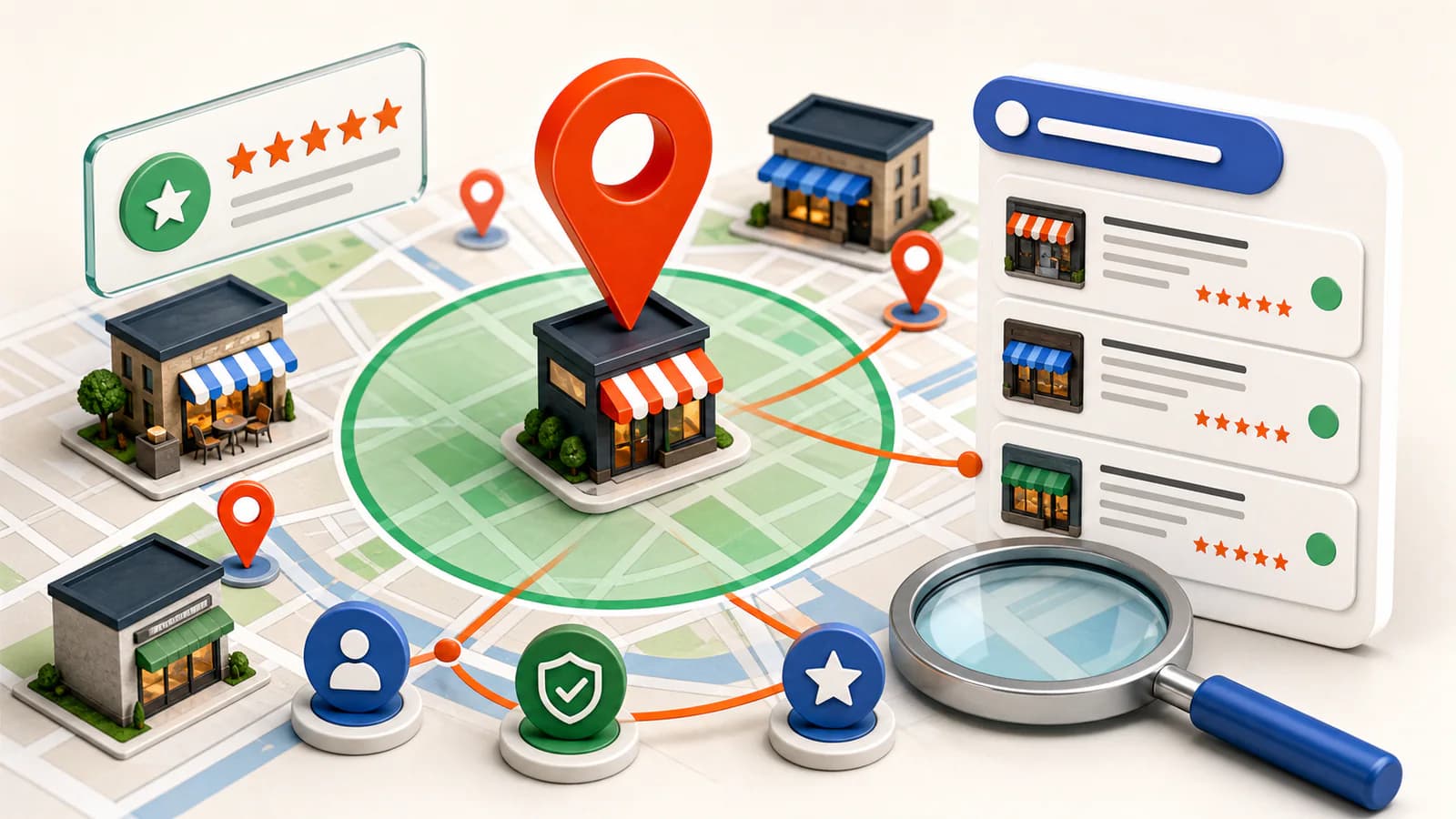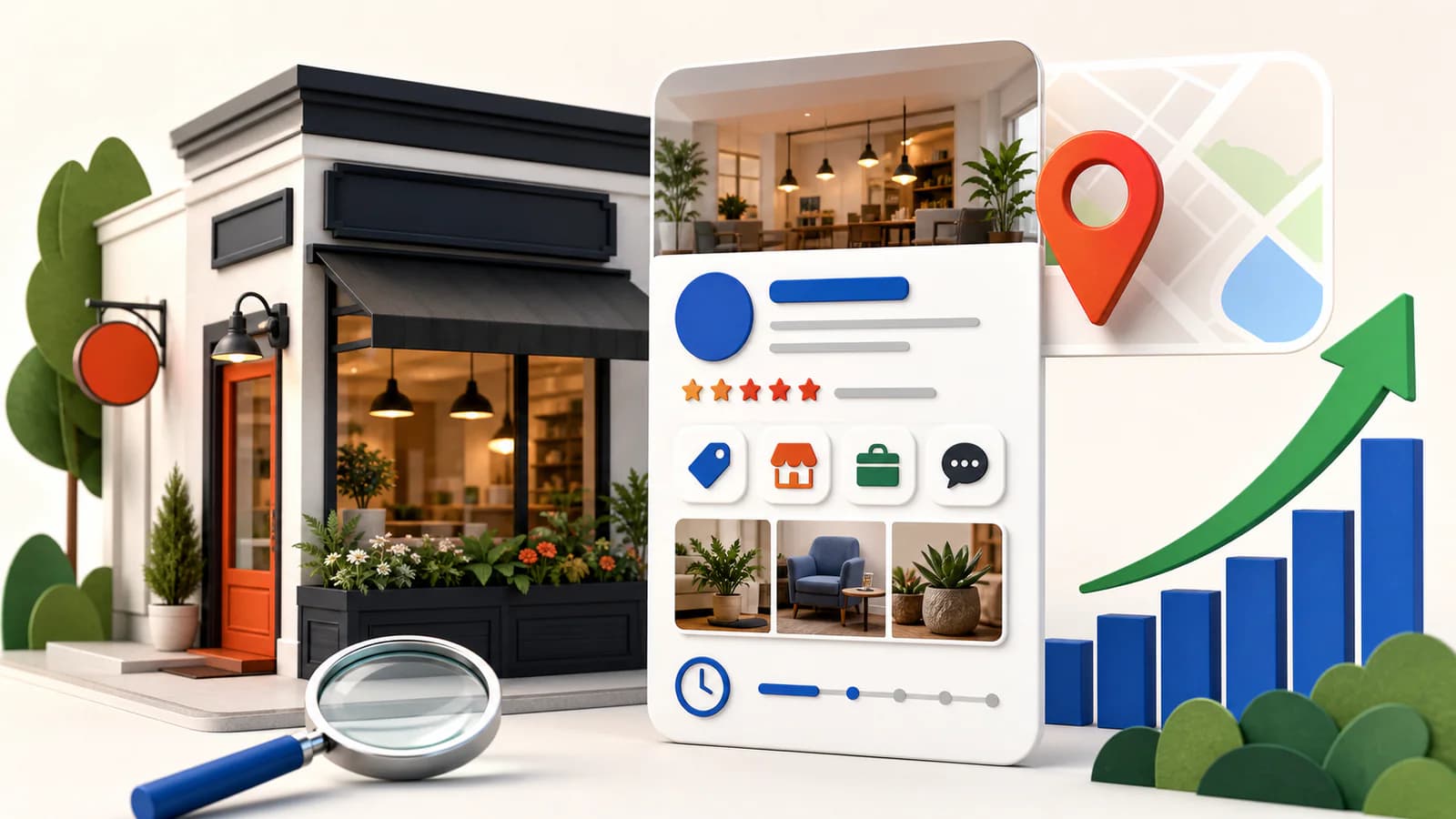
Your Google Business Profile is the single highest-leverage asset in local search— it is what the map pack ranks, what shows your reviews and hours, and what a customer taps to call you. Optimizing it is not one task but a sequence: claim, verify, complete, then compound. Here is the whole sequence, in order.
“how to optimize google business profile” — 210 searches/mo (Google, US)Average monthly US search volume. Source: Google autocomplete demand via AnswerThePublic, 2026.
The optimization sequence
How to claim your Google Business Profile
- Search your business name on Google Maps. If a profile already exists, select it and choose Claim this business / Own this business?.
- If nothing exists, add your business through Google Maps and follow the ownership flow.
- Use a Google account your business controls — not an employee’s personal account that leaves when they do. Ownership disputes are far harder than claiming was.
How to verify it
Verification proves to Google that you operate where you claim. Depending on business type and history, Google offers video verification (a walkthrough showing your signage, equipment, and location — now the most common route), phone or email, or the classic postcard to your address. Two rules save most of the pain: match your real-world signage and legal details exactly, and never stuff keywords into the business name field — it is the most common cause of suspensions.
How to optimize the profile itself
- Choose the most specific primary category that describes you (“Emergency plumber”, not “Plumber”, if that is what you are) — it is the strongest relevance signal you control. Add secondary categories for real, distinct services.
- List services and products explicitly. These are matched against queries, and they expand what you can rank for beyond the category.
- Complete every field — hours (including holidays), attributes, description, opening date. Complete profiles beat sparse ones on relevance before prominence even enters.
- Add real photos, regularly — exterior, interior, team, work. Fresh photos signal an active business to both Google and customers; stale profiles read as closed.
- Collect and answer reviews continuously. Steady velocity beats bursts; responses (including to critical reviews) are visible trust signals. Never buy reviews — the penalties outweigh any gain.
- Use Posts and Q&A. Posts keep the profile active; pre-answering common questions in Q&A stops strangers doing it for you.
The multiplier: your website’s signals
The profile does not rank in a vacuum — Google cross-references it against your website and the wider web. This is where most competitors are weakest, and where the compounding happens:
- Identical NAP (name, address, phone) on your site, byte-for-byte with the profile.
- LocalBusiness schema with geo coordinates and opening hours, so Google reads your facts as data — see the schema guide.
- A real page per location with unique content, embedded map, and directions.
- Consistent citations across the directories that matter.
The full site-side programme is covered in the local SEO guide — profile and website are two halves of one system.
Maintenance: the monthly 20 minutes
- Answer every new review and question.
- Add at least a couple of fresh photos or a post.
- Check hours — especially around holidays.
- Scan for user-suggested edits Google may have applied without asking.
- Re-check that your site’s NAP and schema still match — themes and rebuilds silently break them; the free audit catches schema going missing.
Frequently asked questions
- Is a Google Business Profile free?
- Yes — creating, claiming, and managing a Business Profile costs nothing. Be wary of cold calls selling "Google registration"; the only costs worth paying around a profile are your time and, optionally, tools that manage the surrounding local SEO work.
- How do I access my Google Business Profile?
- Profiles are managed directly in Google Search and Maps now: sign in with the owning Google account and search your business name (or "my business") on Google, and the management panel appears above the results. The old standalone Google My Business app has been retired in favour of this in-search management.
- How long does Google Business Profile verification take?
- Video and phone verification can complete within days; postcard verification typically takes up to a couple of weeks to arrive. Some businesses are asked for additional review after submitting, which can add more time — so verify early, before you need the profile live for a campaign.
- What is Google Business Profile Manager?
- It is the management interface for your profile — editing hours, photos, services, posts, and responding to reviews. Today that lives inside Google Search and Maps itself rather than a separate dashboard, with the same capabilities surfaced when you search for your business while signed in.
- Why is my Google Business Profile not showing up?
- The usual causes, in order: the profile is unverified; it is suspended for a guideline issue (often address or name formatting); the search happened outside your service area — local results depend on the searcher’s location; or a stronger competitor set simply outranks it. Work through verification, guideline compliance, and then the prominence signals: reviews, citations, and your website.