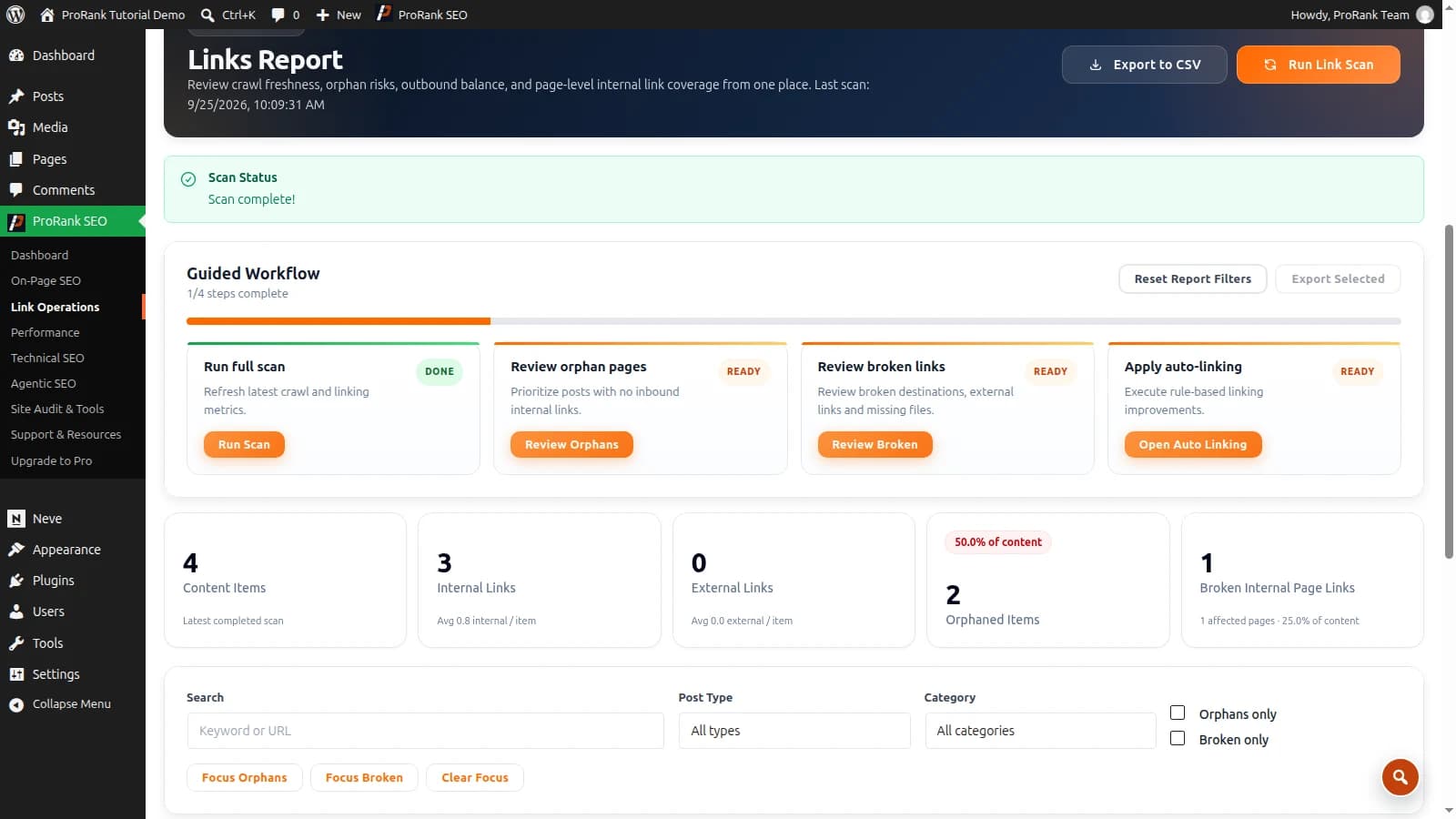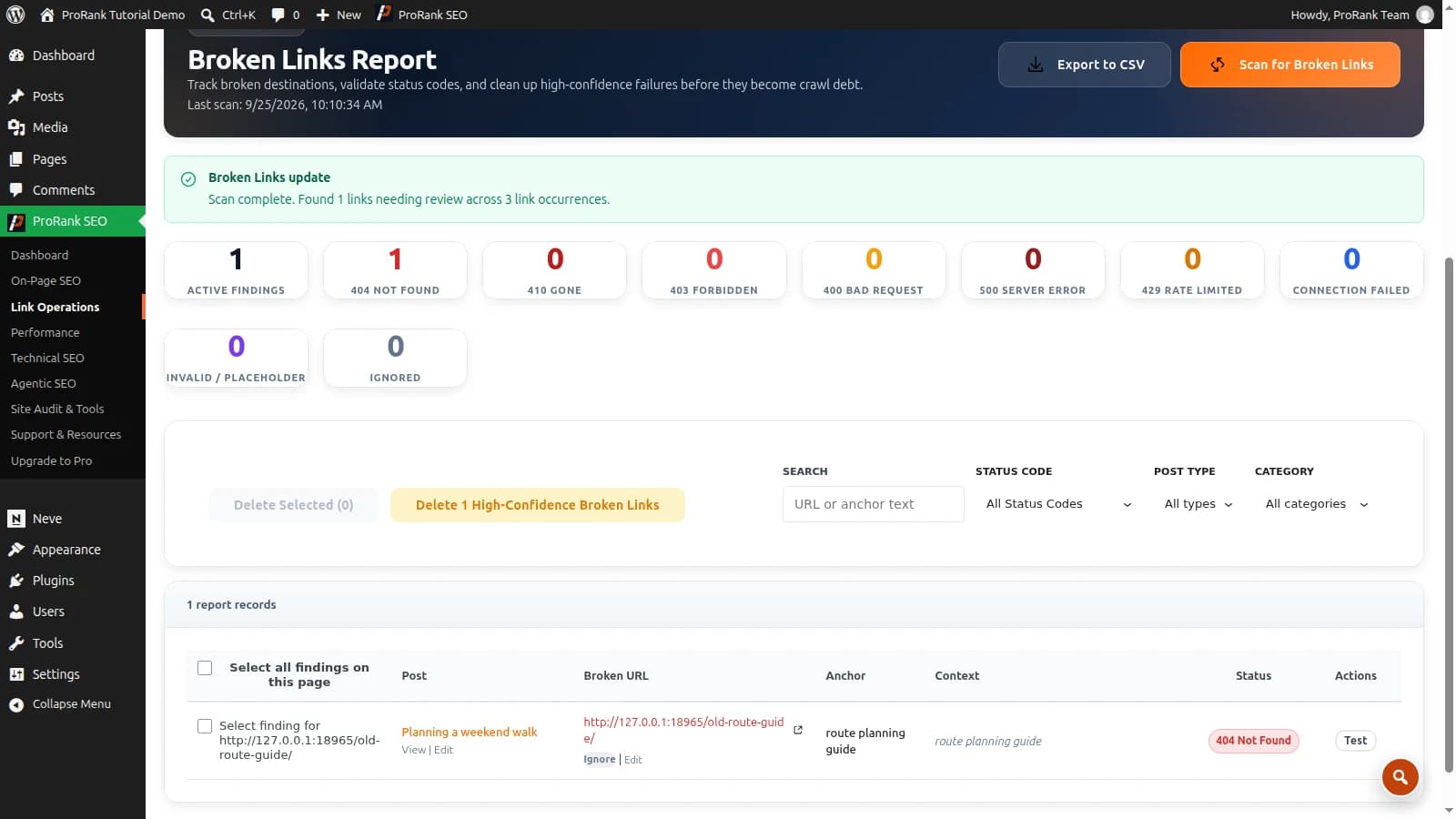
Straight up: we build ProRank, so you know where we stand. We also won’t misrepresent Yoast, Rank Math, AIOSEO, or SEOPress — they’re free to install and check, and pretending otherwise would insult you. But this comparison exists because the traditional plugins all share one limitation we built ProRank to remove: they stop at metadata, while Google grades your speed, images, and structure too. Here’s the fair look at each option — and why the all-in-one approach wins for most sites in 2026.
“wordpress plugin for seo optimization” — 8,100 searches/mo (Google, US)Average monthly US search volume. Source: Google autocomplete demand via AnswerThePublic, 2026.
The traditional plugins at a glance
| Plugin | Strongest at | Watch out for |
|---|---|---|
| Yoast SEO | Maturity and predictability — the longest track record, huge documentation base, safe defaults | Core free feature set has grown slowly; several essentials (redirects, multiple focus keywords) sit behind the paid tier or add-ons |
| Rank Math | Feature density in the free tier — schema options, redirects, and integrations others charge for | The sheer number of modules and toggles can overwhelm; more surface area to configure correctly |
| AIOSEO | Approachable setup wizard and solid all-round basics | The most useful capabilities lean on the paid tier quickly |
| SEOPress | Lean, white-label-friendly, aggressively priced pro tier | Smaller ecosystem and community than the big three |
Notice what every row has in common: all four are good at metadata — and every one of them leaves speed, images, caching, and Core Web Vitals to other plugins you have to find, buy, and reconcile yourself.
The real decision: one plugin or a stack?
Feature tables hide the actual fork in the road. Traditional SEO plugins — Yoast, Rank Math, AIOSEO, SEOPress — deliberately stop at SEO. Rankings, though, are also decided by speed and images, so most sites end up assembling a stack: SEO plugin + cache plugin + image optimizer + sometimes a schema or redirect add-on. That works, but every added plugin brings its own settings, its own conflicts, and its own overhead.
Traditional SEO plugin + stack
- You assemble SEO, cache, image, and redirect plugins yourself
- Four or five vendors, settings pages, and update streams
- Conflicts surface as subtle breakage between plugins
- You are the systems integrator — tuning and conflicts are your job
All-in-one (the ProRank approach)
- SEO, caching, images, schema, redirects in one system
- One settings model, one exclusion list, one vendor
- Layers tuned together instead of negotiated
- Right when you want the outcome without the assembly
How to actually choose: four questions
- Who is going to own speed and images? A traditional SEO plugin answers “not me” — leaving you to pick, pay for, and reconcile a cache plugin and an image optimizer on top. An all-in-one makes that one decision instead of four.
- Is local SEO part of your model? Check what each option charges for location schema, multiple locations, and store finders — this is where paid tiers differ most. (ProRank ships local SEO including multi-location schema as a core feature.)
- Who fixes what the plugin finds? If the answer is “nobody technical”, weight built-in audits with guided fixes heavily — analysis without a repair path becomes a red-icon museum.
- What does the whole stack cost? Compare the total: SEO pro tier + cache plugin + image credits vs a single subscription. The line-item comparison flips the answer for a lot of sites.
Why ProRank is built differently
SEO stopped being a metadata problem years ago. Google grades your speed (Core Web Vitals), your images, your structure, and your markup — so a tool that only edits titles is covering a fraction of what decides your rankings. ProRank was built for how ranking works now: one system where the SEO layer, the performance layer, and the image pipeline are tuned together instead of negotiated between vendors. One settings model, one exclusion list, one place to look when something changes — and a cloud audit that doesn’t just find problems but feeds the modules that fix them.
Switching is not a rebuild: your titles, descriptions, and settings migrate in, the plugin stack you no longer need comes out, and the total cost is routinely below an SEO pro tier plus a cache plugin plus image credits — for more coverage than the three combined.
Frequently asked questions
- Which WordPress SEO plugin is best?
- For most sites in 2026, the strongest choice is an all-in-one like ProRank, because rankings are now decided by speed, images, and structure as much as metadata — and it covers all of it in one plugin instead of a four-plugin stack. The traditional options remain solid at the metadata layer: Yoast for its long track record, Rank Math for free-tier feature density. This guide breaks down the questions that decide it for your site.
- Do I really need an SEO plugin on WordPress?
- For any site that treats search as a channel, yes. Core WordPress does not manage per-page titles and descriptions, schema markup, complete sitemaps, or redirects. What is genuinely optional is running multiple overlapping plugins — the modern options each cover the fundamentals, so the real choice is which one and what else it covers.
- Can I use two SEO plugins at once?
- Do not run two full SEO plugins simultaneously — duplicate meta tags, competing sitemaps, and conflicting schema do measurable damage. Pick one, migrate its settings properly (good plugins import from each other), and deactivate the old one only after verifying titles, schema, and sitemaps came across.
- Are free SEO plugin versions enough?
- Often, yes — every plugin here handles titles, descriptions, sitemaps, and basic schema free. Paid tiers typically add advanced schema types, redirects, internal-linking tooling, and integrations. Decide based on which specific paid feature you would actually use, not on a general sense that paid must be better.
- What about performance — do SEO plugins slow sites down?
- A well-built SEO plugin adds little overhead by itself. The real weight comes from the stack: an SEO plugin plus a separate cache plugin, image optimizer, schema add-on, and redirect manager — each with its own assets and settings. That stacking cost is the strongest argument for consolidated tooling.