WordPress SEO is the work of turning a stock WordPress install into a site search engines can crawl fast, understand precisely, and rank confidently. The platform gives you good raw material — the results come from the setup. This is the complete checklist, in the order that compounds: foundations first, then signals, then speed.
“how to do wordpress seo” — 210 searches/mo (Google, US)Average monthly US search volume. Source: Google autocomplete demand via AnswerThePublic, 2026.
The four layers of WordPress SEO
Foundations
Permalinks, visibility, HTTPS, one canonical domain, XML sitemap.
On-page signals
Titles, meta descriptions, headings, schema markup.
Architecture
Categories done right, internal links, no orphan pages, clean archives.
Performance
Caching, image optimization, Core Web Vitals.
The first layer is WordPress’s slice of technical SEO; the second and third are on-page SEO applied to a CMS. Those guides go deeper on each discipline — this checklist is the WordPress-specific execution order.
Layer 1 — Foundations (30 minutes, once)
- Check search visibility is ON. Settings → Reading → the “Discourage search engines” box must be unticked — the classic launch-day casualty.
- Set post-name permalinks.
/blue-widgets/, not/?p=123. Do this before publishing; changing later means redirects. - One canonical domain over HTTPS. www or non-www — pick one, redirect the other, everywhere.
- Submit an XML sitemap to Search Console. A complete one: posts, pages, images, and (if relevant) video — with noindexed URLs excluded.
- Sanity-check robots.txt. It should manage crawler access, not accidentally wall off your CSS, images, or entire sections.
Layer 2 — Titles, metadata, and schema
- Unique title per page, keyword early, written for the click — and templated for post types so archives and products stay consistent without hand-editing hundreds of pages.
- Meta descriptions that sell the click. Not a ranking factor directly — a click-through factor, which is the next best thing.
- One H1 per page, hierarchical H2/H3s — question-shaped headings where the query is question-shaped.
- Schema markup site-wide: Organization or LocalBusiness at the site level, Article for posts, Product for WooCommerce, FAQ where you genuinely answer questions. This is also what makes you legible to AI search — see our schema guide.
Layer 3 — Architecture and internal links
- Categories as the backbone, tags on a leash. A handful of meaningful categories beat fifty improvised tags producing thin archives.
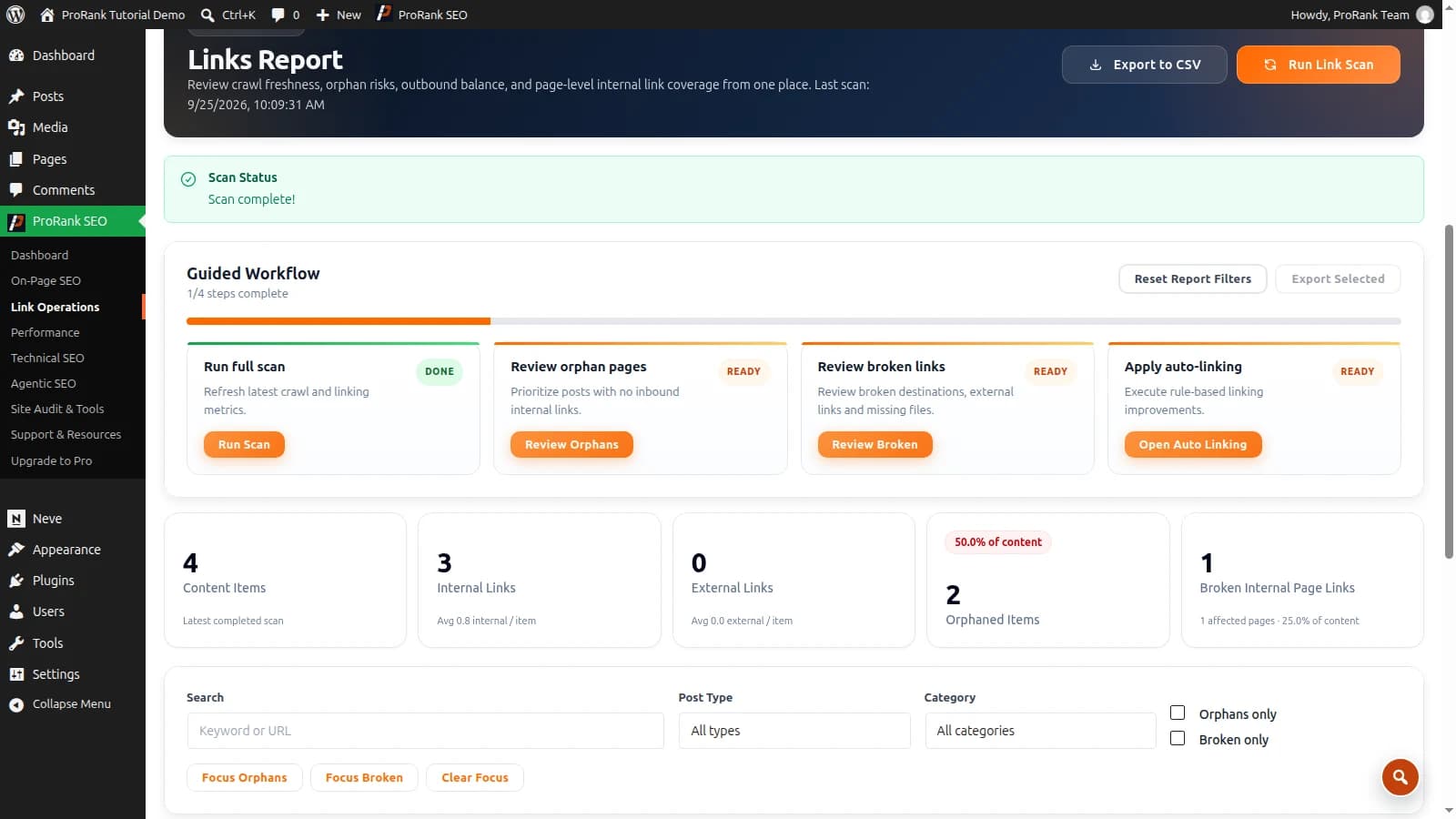
- Every important page within three clicks of home — and zero orphan pages. Orphans (pages no internal link points at) barely get crawled and rarely rank.
- Link from your strongest pages to the pages you want to rank — authority flows through internal links; direct it deliberately.
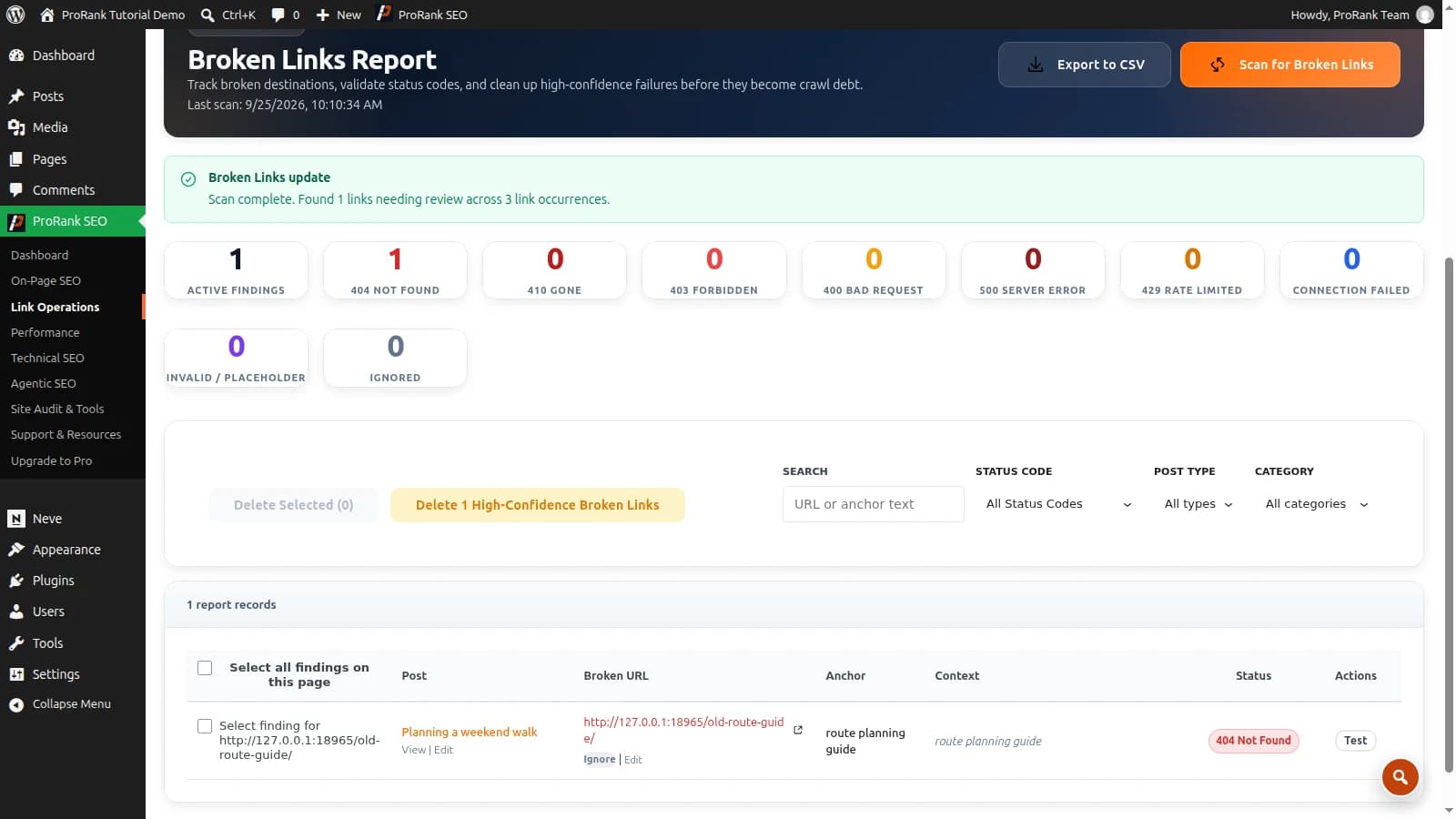
- Manage redirects properly: every deleted or renamed URL 301s to its successor; monitor 404s so link equity never dead-ends.
Layer 4 — Performance and Core Web Vitals
- Page caching so WordPress stops rebuilding every page per visitor.
- Image optimization — usually the largest single win; the full method is in our image guide.
- CSS/JS diet: minify, remove unused CSS, defer what does not paint the first screen.
- Measure LCP, CLS, and INP in field data — lab scores flatter; real-user data is what Google uses.
What to fix first
Do first — high impact, many pages
- Visibility/noindex accidents
- Missing titles & duplicate metadata site-wide
- No sitemap in Search Console
Schedule — high impact, fewer pages
- Schema rollout across post types
- Internal-link build to money pages
Quick wins — low effort
- Permalink + canonical domain
- Enable caching
- Compress hero images
Deprioritise — low impact
- Tag-archive micro-tuning
- Chasing 100/100 lab scores
Want the checklist scored against your actual site instead of read in the abstract? Run the free 25-page audit — it checks every layer above and hands back the prioritised version of this article, specific to you.
Frequently asked questions
- Is WordPress good for SEO?
- Yes — WordPress produces crawlable, structured pages and gives you full control over every SEO-relevant element, which is why so much of the web runs on it. But "good for SEO" means good raw material: rankings come from the setup — permalinks, metadata, schema, internal links, and speed — not from installing WordPress itself.
- Do I need an SEO plugin for WordPress?
- For anything beyond a hobby site, realistically yes. Core WordPress does not manage titles and meta descriptions per page, generate complete XML sitemaps with images, output schema markup, handle redirects, or audit your content. A plugin consolidates all of that; the difference between options is how much they cover and how fast they run.
- Are WordPress tags good for SEO?
- Used sparingly, tags help users navigate related content. Used carelessly, they mass-produce thin archive pages that dilute your site. The safe pattern: a small controlled tag set, noindex on tag archives unless a specific archive genuinely deserves to rank, and categories as the primary taxonomy.
- How long does WordPress SEO take to show results?
- Technical fixes (indexing problems, broken pages, speed) can show movement within weeks because they unblock existing value. Content-driven growth compounds over months. The checklist order in this guide front-loads the fixes with the fastest payback.
- WordPress vs Wix or Squarespace — which is better for SEO?
- All three can rank. WordPress offers the deepest control — full schema, server-level performance work, unrestricted plugins — which matters more as a site grows. Site builders trade some of that ceiling for convenience. If SEO is a growth channel rather than an afterthought, WordPress’s control usually wins.