ProRank SEO

Audit Log - Complete Activity Tracking

Keep track of everything happening on your WordPress site. The Audit Log automatically records every important action, helping you monitor security, track team activities, and maintain a complete history of all changes.

The Audit Log feature is available for Business+ and Agency tier licenses. It provides professional-grade tracking with real-time updates and advanced filtering capabilities.
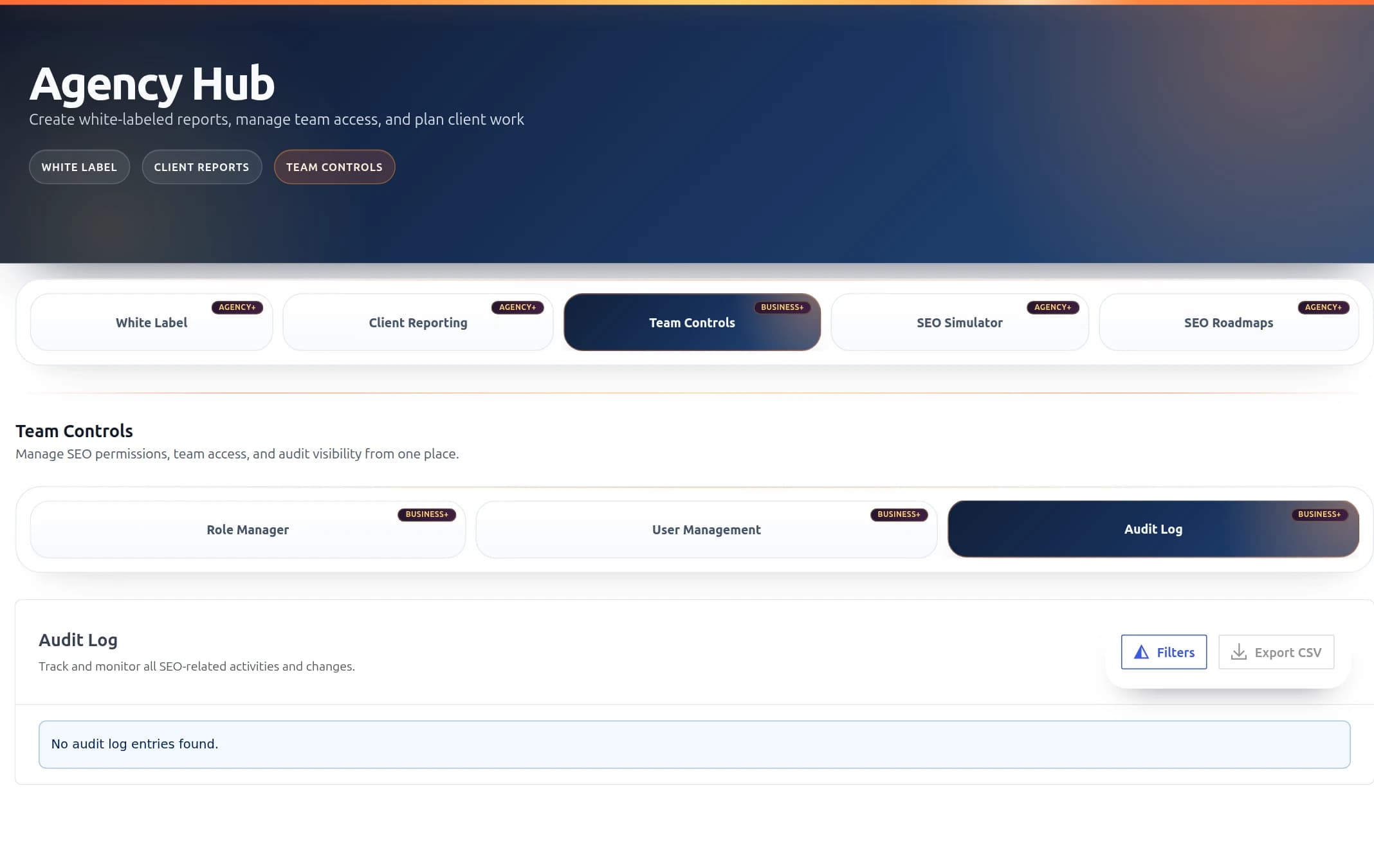
ProRank SEO Audit Log Interface showing activity tracking with severity levels, filters, and multiple view modes

The Audit Log interface with severity indicators and real-time activity tracking

What Does the Audit Log Do?

Think of the Audit Log as your site's security camera and activity recorder rolled into one. It automatically keeps track of who did what, when they did it, and from where - all without you having to do anything.

See Everything

Every setting change, every SEO update, every user action - it's all recorded automatically

Stay Secure

Spot suspicious activities instantly with severity alerts and real-time monitoring

Export Reports

Download activity reports in CSV, JSON, or PDF format for documentation or analysis

🚦 Severity Levels - Know What Matters

Not all activities are equal. Our smart severity system helps you focus on what's important:

Info (Blue)

Normal activities like saving settings, updating content, or enabling features. These are routine actions that keep your site running.

Warning (Yellow)

Actions that might need your attention like deleting content, changing user roles, or clearing caches. Review these periodically.

Error (Red)

Failed operations like login failures, API errors, or backup failures. These need investigation to ensure everything is working properly.

Critical (Dark Red)

Security threats or system failures requiring immediate attention. These entries pulse to grab your attention instantly.

πŸ“Š Three Ways to View Your Logs

Choose the view that works best for you. Switch between them anytime with a single click:

Table View

Traditional spreadsheet layout. Sort by any column, see all details at a glance. Perfect for detailed analysis and bulk operations.

Timeline View

Beautiful chronological display showing activities as they happened. Great for understanding the sequence of events.

Cards View

Visual grid layout with color-coded cards. Quickly scan through activities and spot patterns.

πŸ“ What Gets Tracked?

Everything important is automatically recorded:

βš™οΈ Settings & Configuration

  • SEO settings changes (titles, descriptions, keywords)
  • Module enabling/disabling
  • License activations and changes
  • Integration setups (Google Analytics, Search Console)

πŸ“„ Content Changes

  • Page and post SEO optimizations
  • Schema markup updates
  • Sitemap regenerations
  • Redirect creations and deletions
  • Meta tag modifications

πŸ‘₯ User Activities

  • Login and logout events
  • Failed login attempts (security monitoring)
  • User role changes
  • New user additions
  • Permission updates

πŸš€ System Operations

  • Cache clearing
  • Database optimizations
  • Backup operations
  • Import/Export activities
  • Plugin updates

πŸ” Finding What You Need

Powerful filters help you find exactly what you're looking for in seconds:

Quick Search

Type any keyword to instantly filter logs. Search by user name, action type, or any detail.

Smart Filters

  • πŸ” Search Bar: Find anything instantly by typing keywords
  • πŸ‘€ User Filter: See activities by specific team members
  • ⚑ Action Filter: Focus on specific types of changes
  • πŸ“¦ Module Filter: View activities in specific areas
  • 🚦 Severity Filter: Show only warnings, errors, or critical events
  • πŸ“… Date Range: Pick custom dates or use presets (Today, This Week, This Month)
Time-Saving Tip: Combine filters for precise results. For example: Show all critical security events from last week, or all SEO changes made by a specific user today.

⚑ Real-Time Monitoring

The audit log updates automatically every 5 seconds. No need to refresh the page - new activities appear instantly as they happen. Watch your team's activities live or monitor for security events in real-time.

πŸ“₯ Exporting Your Logs

Need to share activity reports or keep offline records? Export your logs in multiple formats:

CSV Format

Open in Excel or Google Sheets for analysis and reporting

JSON Format

For developers and advanced data processing

PDF Format

Professional reports for clients or compliance documentation

How to Export:

  1. Apply any filters to include only the data you need
  2. Click the Export button
  3. Choose your format (CSV, JSON, or PDF)
  4. The file downloads automatically

πŸ“Š Activity Statistics Dashboard

Get instant insights with the statistics bar at the top of the audit log:

  • Total Entries: Complete count of all recorded activities
  • Today's Activity: How many actions happened today
  • Critical Events: Number of critical security events requiring attention
  • This Week/Month: Activity trends over time

πŸ’‘ Practical Use Cases

πŸ”’ Security Monitoring

Filter by "Failed Login" actions to spot potential security threats. Look for patterns like multiple failures from the same IP address.

πŸ‘₯ Team Collaboration

Track what your team members are working on. See who made specific changes and when, making collaboration smoother and accountability clear.

πŸ› Troubleshooting

Something not working? Check the audit log to see what changed recently. Filter by date to find changes that might have caused issues.

πŸ“‹ Compliance & Reporting

Generate activity reports for clients or compliance audits. Export filtered logs to show specific activities during audit periods.

πŸ”§ Managing Multiple Entries

Need to clean up old logs or manage multiple entries at once? Use bulk operations:

  1. Select entries using the checkboxes
  2. Use "Select All" to grab everything on the current page
  3. Click "Delete Selected" to remove chosen entries
  4. Or use "Clear All Logs" to start fresh (requires confirmation)
Important: Deleted audit log entries cannot be recovered. Always export important logs before clearing them.

⚑ Performance & Limits

  • Real-time Updates: Automatic refresh every 5 seconds
  • Pagination: 50 entries per page for optimal performance
  • Search Speed: Instant filtering even with thousands of entries
  • Data Retention: Logs are kept indefinitely unless manually cleared

πŸ§ͺ Testing Mode

Want to explore the audit log features safely? When WordPress debug mode is enabled, you can access a special test page that lets you:

  • Create the audit log database table
  • Add sample entries with various severity levels
  • Test filtering and export features
  • Clear test data when done

Access it at: Admin β†’ ProRank SEO β†’ Audit Log Test (only visible in debug mode)

πŸš€ Getting Started

  1. Navigate to Agency Hub: Go to ProRank SEO β†’ Agency Hub in your WordPress admin
  2. Click Audit Log Tab: Select the Audit Log tab to view activities
  3. Start Monitoring: Activities are already being tracked - no setup needed!
  4. Set Up Filters: Use filters to focus on what matters to you
  5. Export Regular Reports: Schedule weekly or monthly exports for record-keeping
Pro Tip: Bookmark the audit log page with your preferred filters applied. The URL saves your filter settings, so you can return to your custom view instantly.

❓ Common Questions

Why don't I see the Audit Log tab?

The Audit Log is available for Business+ and Agency tier licenses. Check your license status in ProRank SEO β†’ Support & Account.

How far back do logs go?

Logs are kept indefinitely unless you manually clear them. We recommend exporting and clearing old logs periodically for optimal performance.

Can I disable certain types of logging?

Currently, all significant activities are logged automatically for security and compliance. Use filters to focus on specific types of activities.

Is the audit log GDPR compliant?

Yes, the audit log only stores necessary activity data and IP addresses for security purposes. You can export and delete user-related entries as needed for GDPR compliance.